PLATFORM WORKFLOW
Task Description: Turn on DNC
Objective: To show Organization Admins and Users how to turn on DNC
Organization: Under Admin or System User
System Permission Level: System Admin or System User
Step 1
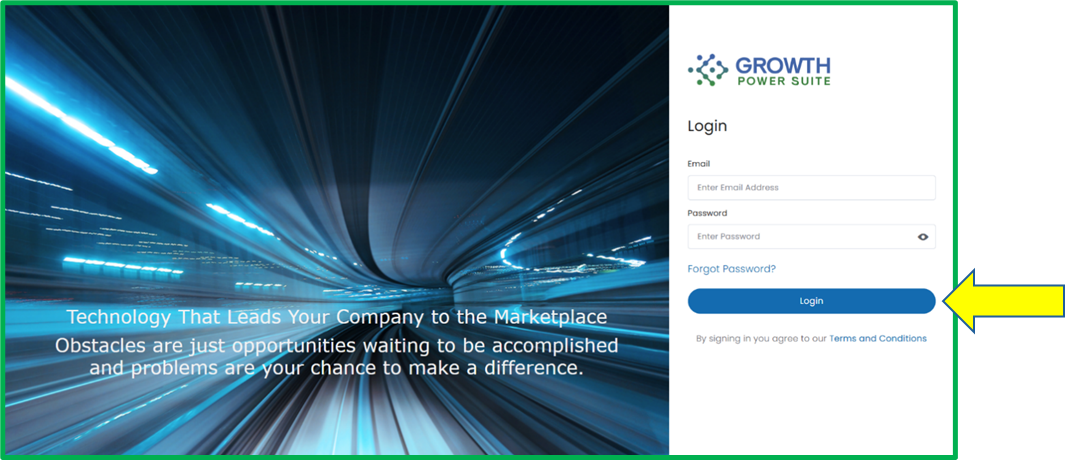
Go to www.growthpowersuite.com and click the green Login button.

Step 2
Enter your username and password then click the blue Login button.
Step 3
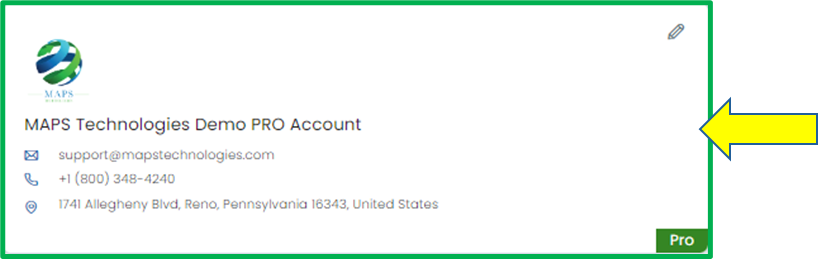
Click on your Organization (if you are in multiple organizations). If you are only in one, you will begin on the Dashboard.
Step 4
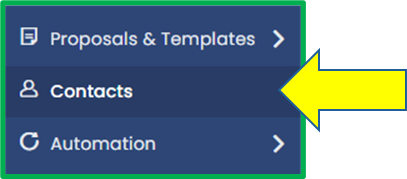
Click on the Contacts tab in the Module Menu Panel.
Step 5
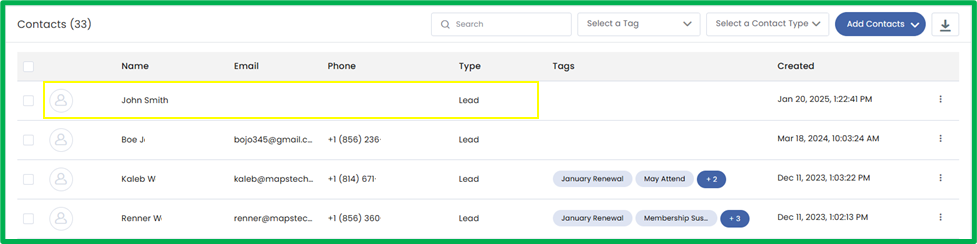
Select the contact you want to turn on DNC.
Step 6
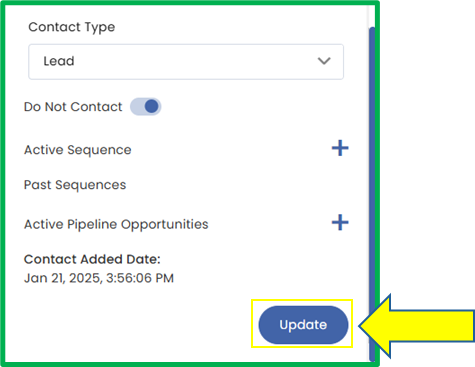
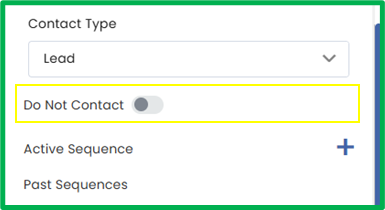
The Contact Details Screen will appear. Scroll down in the Primary Tab until you see the Do Not Contact toggle.
Step 7
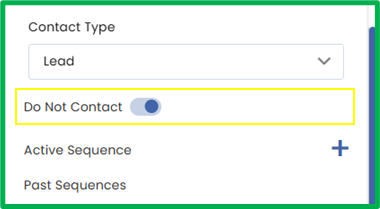
Click the toggle to enable Do Not Contact, preventing any sequences or messages from being sent to the contact.
Step 8
When you’re done, click the blue Update button to save changes.